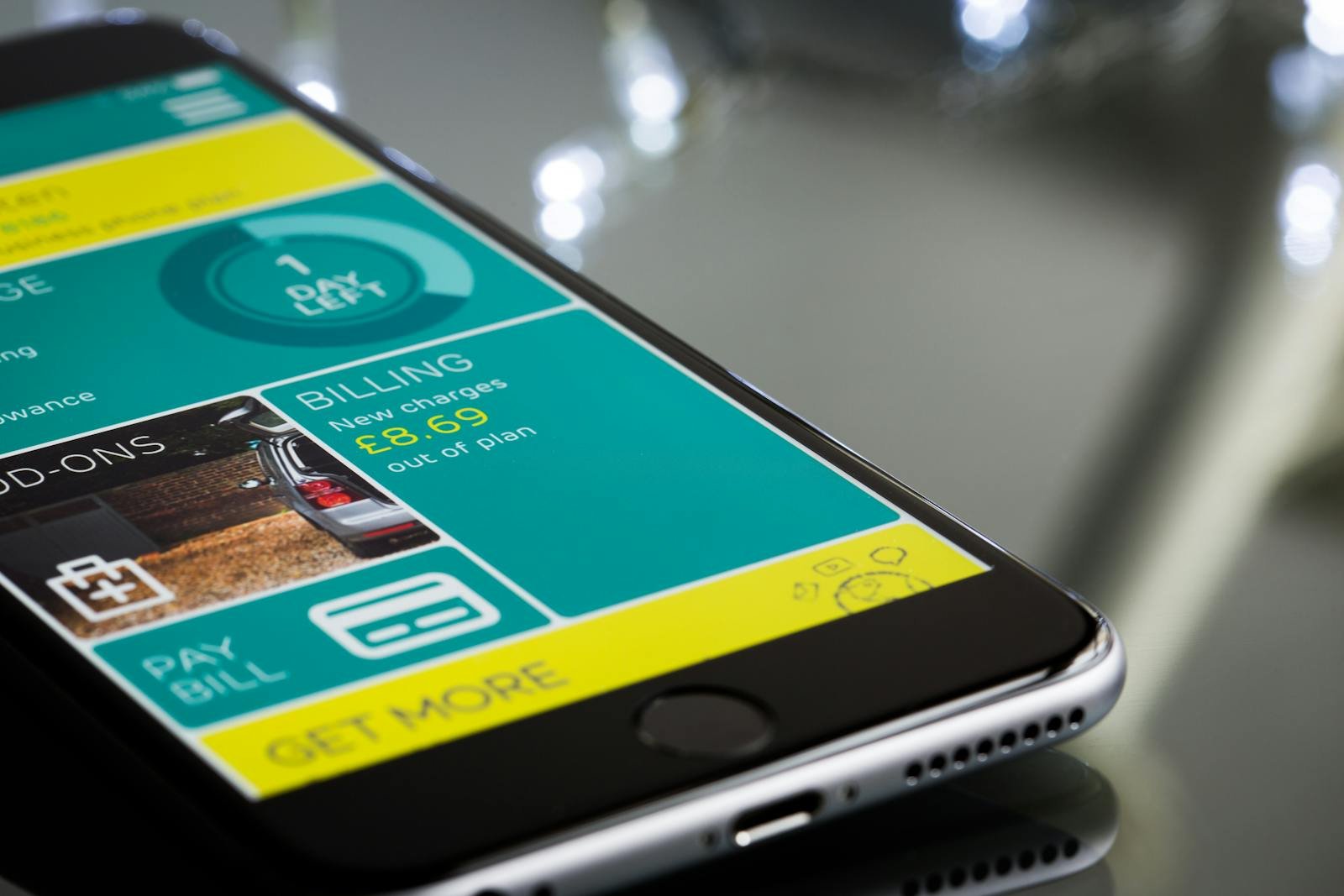
Store promises: the deception that destroys trust
Massive promises. Heavily retouched screenshots. AI everywhere. Everything looks incredible. Then the user downloads… a…
 Mickael Romaniello
30 minutes, no slides, nothing to prepare.
Mickael Romaniello
30 minutes, no slides, nothing to prepare.
Google Play rejections are more common than most developers expect — and they are rarely random. Here are the most frequent causes and what to do before you submit.
Submitting an app to Google Play and receiving a rejection notice is a frustrating experience — especially if the rejection is vague or references a policy section you were not aware of. The good news is that Google Play rejections are almost never random. They follow patterns that are predictable and, with proper preparation, largely avoidable. Understanding the most common causes of rejection is one of the highest-leverage things you can do before your first submission.
Misleading metadata is the leading cause of Google Play rejections for new app submissions. This category covers a broad range of issues: a title or description that makes capability claims the app cannot actually fulfill, screenshots that do not accurately represent the current version of the app, promotional text that uses superlatives like "best" or "#1" without substantiation, and app icons that resemble official Google or Android logos. Google's review team has a low tolerance for anything that could mislead users in the store listing.
Policy violations are the second major category. The most common include: using permissions that are not justified by the app's core functionality (particularly sensitive permissions like SMS, call logs, or location access in apps where these are not clearly necessary), missing or inadequate privacy policies for apps that collect any personal data, and content policy violations that cover a broad range of inappropriate content. Google's policies evolve frequently, and an app that was compliant at launch can fall out of compliance when policies change if the developer is not monitoring them.
One of the most frequent rejection causes — and one of the most avoidable — is a missing or inadequate privacy policy. If your app collects any user data at all (including device identifiers, crash logs, or analytics), a privacy policy is mandatory. The policy must be accessible via a live URL, it must be specific to your app, and it must accurately describe what data you collect, how you use it, and how users can request deletion. A generic privacy policy template filled with placeholder text will not pass review.
The most important factor here is specificity: the policy must mention the specific types of data your app collects. A policy that says "we may collect some information" while your app uses location tracking is a flag for reviewers and a legitimate concern for users. Write your privacy policy with the same care as your app description — it is a public-facing document that Google reads carefully.
Before submitting to Google Play, work through this checklist. Verify that all permissions requested are directly necessary for the app's stated functionality. Ensure your privacy policy URL is live, specific, and accurate. Check that screenshots represent the current version of the app. Review the Google Play Developer Policy Center for recent changes. Test the complete app on a physical Android device running the latest OS version. And read your app description out loud — if any statement is an exaggeration of what the app actually does, rewrite it.
I handle the full Google Play submission process for every app I build, including pre-submission policy review and post-rejection response. Rejection is not the end — it is feedback. Knowing how to read that feedback and respond correctly is part of the expertise I bring to every project.
Ready to submit your app with confidence? Let's make sure it's ready before it goes to review.
12 years of experience, iOS + Android, one dedicated contact. Free 30-minute call to scope your need — no commitment, no jargon.
Book a call →
Submitting an app to Google Play and receiving a rejection notice is a frustrating experience — especially if the rejection is vague or references a policy section you were not aware of. The good news is that Google Play rejections are almost never random. They follow patterns that are predictable and, with proper preparation, largely avoidable. Understanding the most common causes of rejection is one of the highest-leverage things you can do before your first submission.
Misleading metadata is the leading cause of Google Play rejections for new app submissions. This category covers a broad range of issues: a title or description that makes capability claims the app cannot actually fulfill, screenshots that do not accurately represent the current version of the app, promotional text that uses superlatives like "best" or "#1" without substantiation, and app icons that resemble official Google or Android logos. Google's review team has a low tolerance for anything that could mislead users in the store listing.
Policy violations are the second major category. The most common include: using permissions that are not justified by the app's core functionality (particularly sensitive permissions like SMS, call logs, or location access in apps where these are not clearly necessary), missing or inadequate privacy policies for apps that collect any personal data, and content policy violations that cover a broad range of inappropriate content. Google's policies evolve frequently, and an app that was compliant at launch can fall out of compliance when policies change if the developer is not monitoring them.
One of the most frequent rejection causes — and one of the most avoidable — is a missing or inadequate privacy policy. If your app collects any user data at all (including device identifiers, crash logs, or analytics), a privacy policy is mandatory. The policy must be accessible via a live URL, it must be specific to your app, and it must accurately describe what data you collect, how you use it, and how users can request deletion. A generic privacy policy template filled with placeholder text will not pass review.
The most important factor here is specificity: the policy must mention the specific types of data your app collects. A policy that says "we may collect some information" while your app uses location tracking is a flag for reviewers and a legitimate concern for users. Write your privacy policy with the same care as your app description — it is a public-facing document that Google reads carefully.
Before submitting to Google Play, work through this checklist. Verify that all permissions requested are directly necessary for the app's stated functionality. Ensure your privacy policy URL is live, specific, and accurate. Check that screenshots represent the current version of the app. Review the Google Play Developer Policy Center for recent changes. Test the complete app on a physical Android device running the latest OS version. And read your app description out loud — if any statement is an exaggeration of what the app actually does, rewrite it.
I handle the full Google Play submission process for every app I build, including pre-submission policy review and post-rejection response. Rejection is not the end — it is feedback. Knowing how to read that feedback and respond correctly is part of the expertise I bring to every project.
Ready to submit your app with confidence? Let's make sure it's ready before it goes to review.
12 years of experience, iOS + Android, one dedicated contact. Free 30-minute call to scope your need — no commitment, no jargon.
Book a call →We write about mobile app development, user experience design, App Store optimization, project management, and industry trends. Our articles are based on real experience from client projects.
We aim to publish regularly with a focus on quality over quantity. Each article is written from hands-on experience, not generic advice.
Absolutely! Feel free to reach out via our contact page or book a consultation. We love hearing what questions our readers and clients have.
Most of my projects run remotely, and in practice that changes very little. We talk over video whenever you need to, not only at major milestones, and you can reach me with questions at any point during the project — I always answer.
You can also write to me directly on WhatsApp: same number I use every day, a French professional line that works internationally.