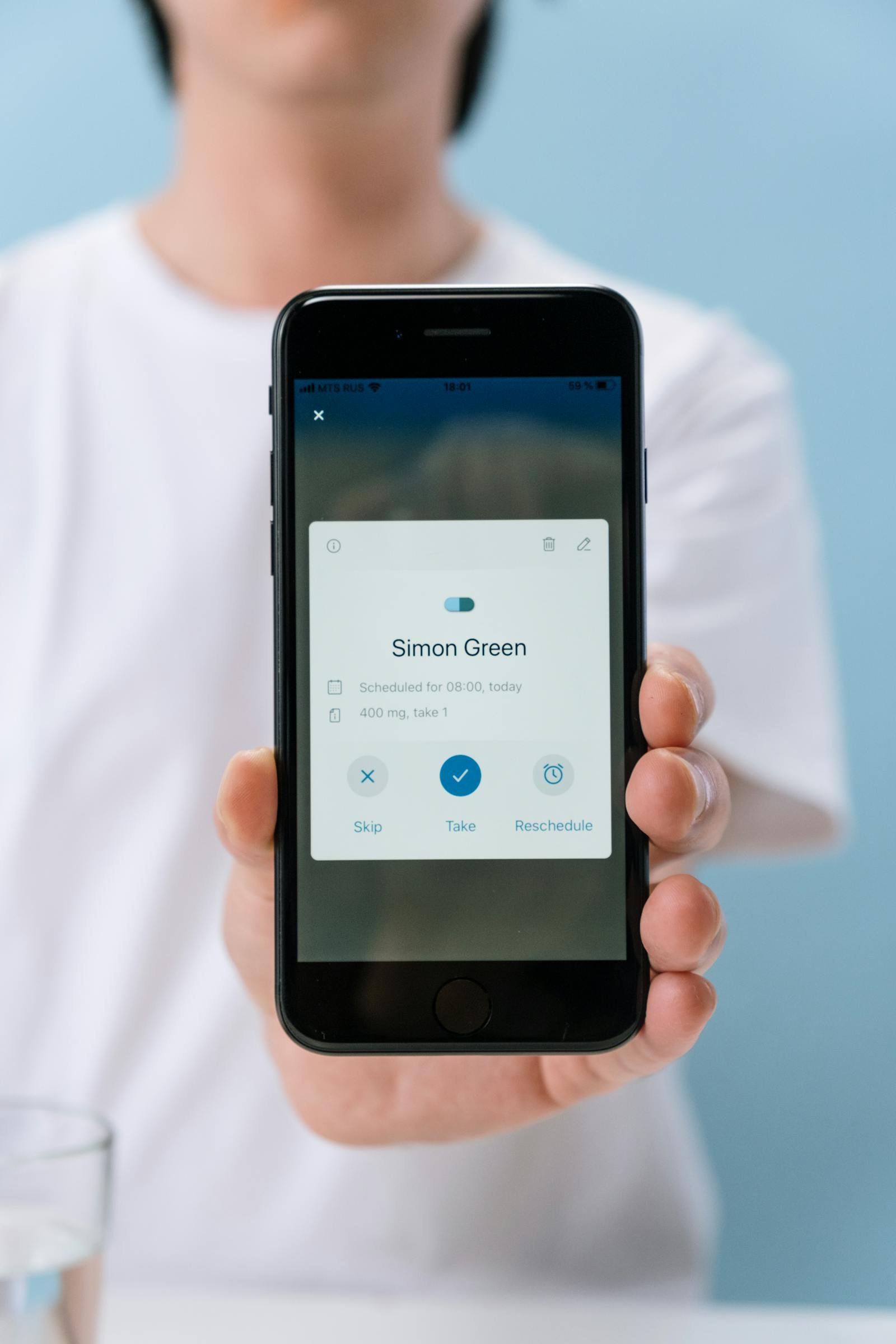
Why Spotify feels so smooth
An excellent interface is not necessarily the one you notice. It is often the one you completely forget about while usi…
Users need to trust your app with their data. But heavy-handed security messaging can be as damaging as no messaging at all. Here's how to communicate security in a way that builds confidence.
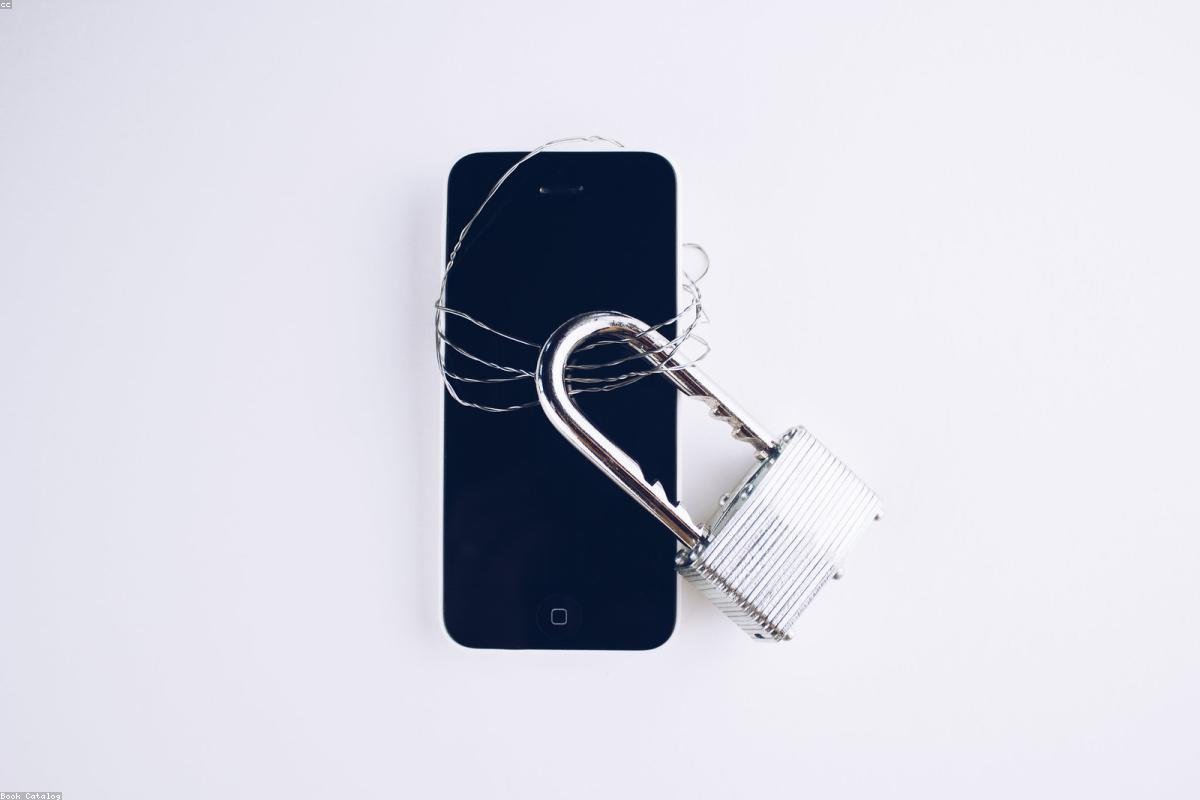
Data privacy has moved from a technical footnote to a front-page topic in the space of a decade. GDPR in Europe, App Tracking Transparency on iOS, and a series of high-profile data breaches have made users acutely aware — and often deeply suspicious — of what apps do with their personal information. For a mobile product, how you handle and communicate data security is not just a legal obligation; it is a significant factor in whether users trust you enough to engage with your product at all.
Your app can be technically secure — using industry-standard encryption, storing minimal data, following OWASP guidelines — and still lose user trust if the security story is communicated badly. The most important factor is not what you do with data; it is whether users believe you when you tell them. A permission request that appears without explanation ("This app would like to access your contacts") creates suspicion. The same request with a one-sentence explanation ("We need access to your contacts to let you invite friends") creates understanding.
Permission framing is one of the most underinvested areas in mobile product design. iOS and Android give you limited control over the system dialogs themselves, but you control everything that happens before them. A brief, honest explanation of why a permission is needed — presented in your app's own UI, before the system dialog appears — dramatically improves permission grant rates and reduces the feeling that your app is trying to take something from the user without explanation.
The technical principle of data minimization is both good ethics and good product design. If your app collects more data than it needs, it creates storage costs, compliance overhead, and liability in the event of a breach. It also creates unnecessary risk for your users. The correct approach is to identify exactly what data is required to deliver the core value of the app, collect only that, and be transparent about the purpose.
For most small business mobile apps, this is simpler than it sounds. Email for account management, order history for personalization, location only during active use for navigation features. The temptation to "collect everything now and figure out the use later" is common and genuinely dangerous. The cost of a data breach is not just technical — it is reputational damage that is very difficult to recover from.
The best way to build user trust around data is to integrate security signals into the normal user experience. This means: explaining permissions in plain language before requesting them, displaying clear privacy settings that users can understand and control, showing confirmation messages when sensitive actions are taken ("Your payment info was deleted successfully"), and writing a privacy policy that actual humans can read. A privacy policy that is 8,000 words of legal jargon is not a trust signal — it is an admission that you are hiding behind complexity.
I design the security and privacy communication layers of every product I build with the same care as the core features, because a user who does not trust your app will not use it — regardless of how well the feature set was built.
Want to build an app users feel safe handing their data to? Let's talk about security-first product design.
12 years of experience, iOS + Android, one dedicated contact. Free 15-minute call to scope your need — no commitment, no jargon.
Book a call →
Data privacy has moved from a technical footnote to a front-page topic in the space of a decade. GDPR in Europe, App Tracking Transparency on iOS, and a series of high-profile data breaches have made users acutely aware — and often deeply suspicious — of what apps do with their personal information. For a mobile product, how you handle and communicate data security is not just a legal obligation; it is a significant factor in whether users trust you enough to engage with your product at all.
Your app can be technically secure — using industry-standard encryption, storing minimal data, following OWASP guidelines — and still lose user trust if the security story is communicated badly. The most important factor is not what you do with data; it is whether users believe you when you tell them. A permission request that appears without explanation ("This app would like to access your contacts") creates suspicion. The same request with a one-sentence explanation ("We need access to your contacts to let you invite friends") creates understanding.
Permission framing is one of the most underinvested areas in mobile product design. iOS and Android give you limited control over the system dialogs themselves, but you control everything that happens before them. A brief, honest explanation of why a permission is needed — presented in your app's own UI, before the system dialog appears — dramatically improves permission grant rates and reduces the feeling that your app is trying to take something from the user without explanation.
The technical principle of data minimization is both good ethics and good product design. If your app collects more data than it needs, it creates storage costs, compliance overhead, and liability in the event of a breach. It also creates unnecessary risk for your users. The correct approach is to identify exactly what data is required to deliver the core value of the app, collect only that, and be transparent about the purpose.
For most small business mobile apps, this is simpler than it sounds. Email for account management, order history for personalization, location only during active use for navigation features. The temptation to "collect everything now and figure out the use later" is common and genuinely dangerous. The cost of a data breach is not just technical — it is reputational damage that is very difficult to recover from.
The best way to build user trust around data is to integrate security signals into the normal user experience. This means: explaining permissions in plain language before requesting them, displaying clear privacy settings that users can understand and control, showing confirmation messages when sensitive actions are taken ("Your payment info was deleted successfully"), and writing a privacy policy that actual humans can read. A privacy policy that is 8,000 words of legal jargon is not a trust signal — it is an admission that you are hiding behind complexity.
I design the security and privacy communication layers of every product I build with the same care as the core features, because a user who does not trust your app will not use it — regardless of how well the feature set was built.
Want to build an app users feel safe handing their data to? Let's talk about security-first product design.
12 years of experience, iOS + Android, one dedicated contact. Free 15-minute call to scope your need — no commitment, no jargon.
Book a call →We write about mobile app development, user experience design, App Store optimization, project management, and industry trends. Our articles are based on real experience from client projects.
We aim to publish regularly with a focus on quality over quantity. Each article is written from hands-on experience, not generic advice.
Absolutely! Feel free to reach out via our contact page or book a consultation. We love hearing what questions our readers and clients have.